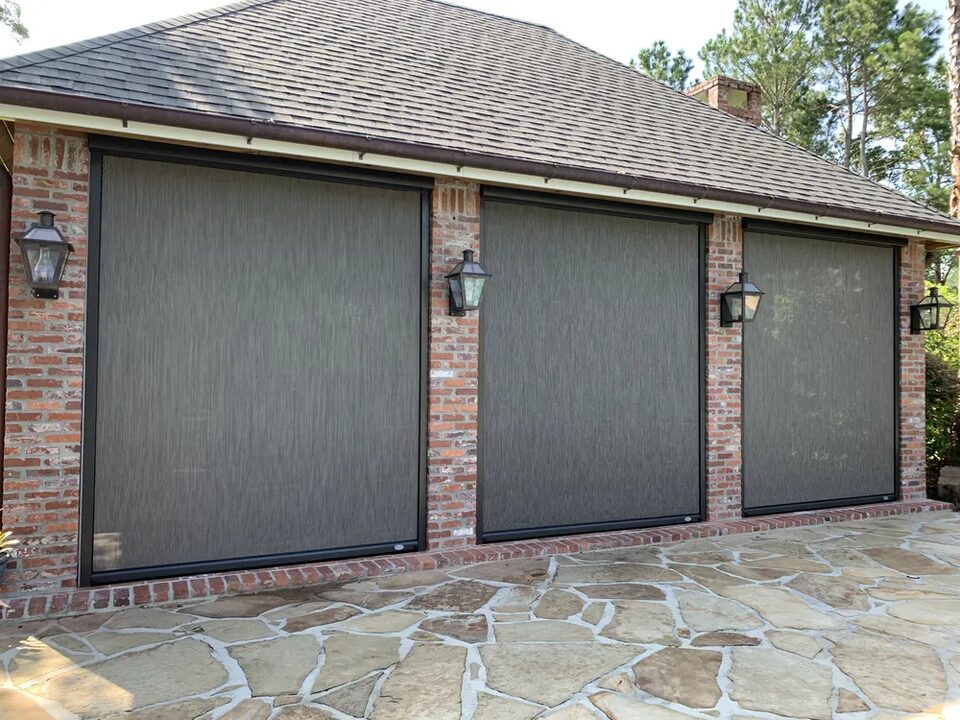
Guides & How-To · 2026-06-09
The Smart-Home Integration Setup Guide for Motorized Screens
From a single remote to 32 screens on voice control — how MagnaTrack systems connect to Bond, Control4, Lutron, Alexa, and the rest, and how to set up scenes that actually get used.
The integration landscape: what connects to what
MagnaTrack screens speak to more of the smart-home world than anything else in the category. The hub is the Bond Home app, which controls up to 32 screens from a phone — enough for the largest residential project or a commercial patio with a dozen panels. From there, integrations extend to the full roster of professional and consumer platforms: Control4, ELAN, RTI, URC, Savant, Crestron, and Lutron on the integrator side; Amazon Alexa, Google Assistant, SmartThings, and Josh.ai on the consumer and voice side.
If your home already runs on one of the professional platforms — common in custom homes around Great Falls and Potomac — your integrator adds the screens as devices alongside lighting and shades, and they appear in the interfaces you already use. If your smart home is Alexa or Google-based, the path runs through Bond and takes minutes, not a service visit.
Scenes and schedules worth building
The integrations earn their keep through scenes — one command moving several things at once. The patterns our customers actually keep using: an Evening Outside scene that lowers the insect screens and brings up patio lighting in one voice command; a summer schedule that deploys west-facing solar screens at 2:30 each afternoon and retracts them after sunset; a Goodnight or Away scene that closes every screen along with the locks and lights; and for commercial spaces, an opening-checklist scene that sets the whole patio line at the start of service.
Start simple. One scene you use daily beats ten you programmed and forgot. Build the single most obvious one the week the screens go in, live with it, then add the next.
Sensors, groups, and a few field-tested tips
Beyond commands and schedules, two sensors make the system genuinely autonomous: a wind sensor that retracts screens when gusts pick up, and a rain sensor for closing vinyl panels when weather arrives. For multi-screen patios, group screens by exposure — all west-facing screens as one group, all pool-side screens as another — so both scenes and voice commands map to how you actually think about the space.
Three tips from the field. First, name devices the way you speak: a screen named Patio Left will get used; one named Device 7 will not. Second, put a physical control — the Sidekick Gen 2 handheld or a flush wall switch — at the main doorway anyway; guests and house-sitters should not need your app. Third, if you are pairing screens with an automation processor, tell us at the consultation, since motor and control choices set up cleanest when they are planned rather than retrofitted. We configure and test the full integration as part of installation across our Virginia, Maryland, and DC service area.
Related products
Keep reading
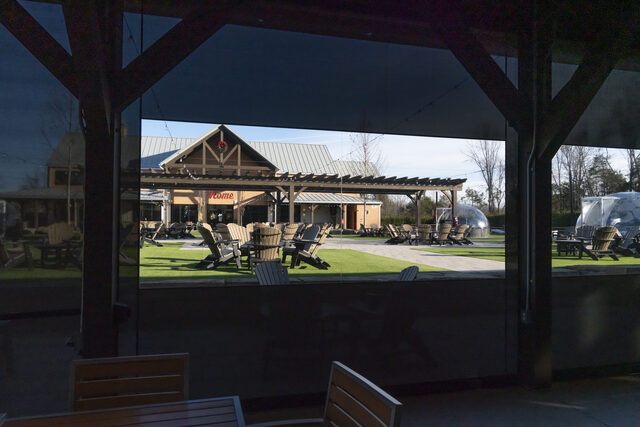
Motorized Screen Cost in Northern Virginia (2026): Typical Prices and the Best Systems
Typical installed costs for motorized retractable screens in 2026, what drives the price, and which system fits your patio. Your firm quote is free.
Read more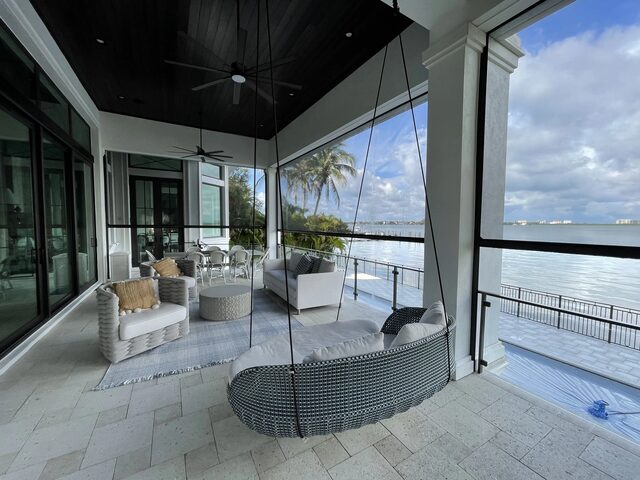
Inside the Roller: Tubular Motors and What Somfy, Gaposa, and Dooya Each Bring
The motor in a motorized screen or awning lives inside the roller tube itself. What that means, and how the motor brands we install differ on safety features and speed.
Read more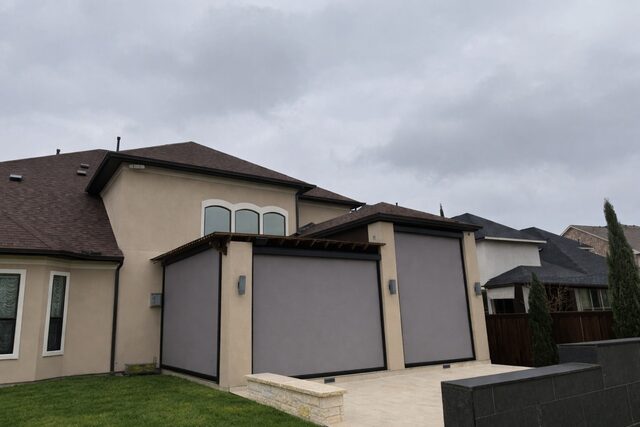
Your West-Facing Patio Doesn't Have to Be Unusable in July
Afternoon sun turns west-facing patios into ovens across the DC suburbs every summer. Solar mesh screens drop surface temperatures 15 to 25 degrees without giving up the view.
Read more